The five things most often switched off on a small business PC
· 5 min read
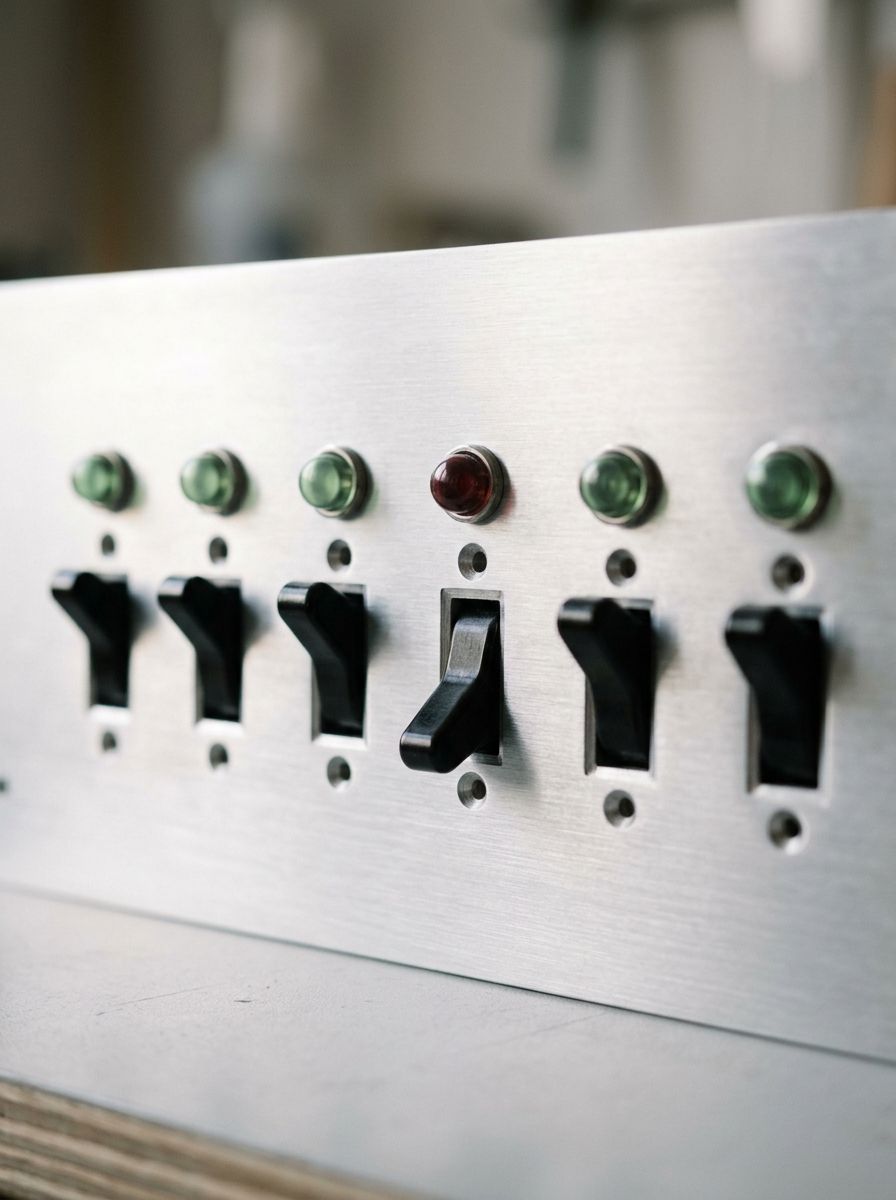
When you read about IT security, it is often about advanced threats: targeted attacks, unknown vulnerabilities, state-sponsored hacker groups. It is dramatic material, but it has very little to do with what actually hits a carpentry firm with six employees or a clinic with two practitioners.
What hits small businesses is far more down to earth: something basic was switched off, and nobody had noticed. Here are the five things we most often see standing wrong.
1. The firewall, or parts of it
The Windows firewall is on from the factory, so how does it end up off? Typically during troubleshooting. A program could not get online, a printer would not respond, and a well-meaning piece of advice said: “Try switching the firewall off.” Maybe it solved the problem, and then everyone forgot to switch it back on.
A detail few people know: Windows has separate firewall profiles for different network types. It can be on at home and off on the office network. Everything looks normal until you check all the profiles.
2. Automatic updates
Updates always arrive at an inconvenient time, and restart reminders are annoying. So they get postponed, and postponed again, and on some machines the automation is switched off entirely for some peace.
The problem is that many updates close security holes that become publicly known the moment the update is released. A computer that is months behind is a computer with known, well-documented holes, which automated attacks look for specifically.
3. The backup that quietly stopped
Almost everyone has set up a backup at some point. Fewer know whether it still runs. A subscription expired, an external disk filled up, a folder was moved, a program hit an error after an update. Backups rarely fail with big warnings; they simply stop, and it gets discovered the day you need them.
A backup that has not been tested in a year should be considered an assumption, not an insurance policy.
4. Remote access nobody remembers
Remote Desktop and similar features typically get switched on in a concrete situation: a supporter needed to help, an employee needed to work from home for a single week. The situation went away; the setting stayed.
An open remote access is a door that automated programs on the internet look for around the clock. When they find it, they try thousands of passwords. It requires no skilled attacker, only patience, and the programs have that.
5. The screen lock
The least dramatic on the list, but important in practice, especially where customers, patients or tradespeople pass through. A computer sitting unlocked in an empty room gives access to email, accounting and customer data without so much as a password. An automatic screen lock after a few minutes costs nothing and closes that hole.
The common denominator
None of the five requires new equipment or expensive software to fix. Windows can do it all by itself. What is missing is not tooling but discovery: someone noticing that something changed, before it gets exploited.
You can do that manually with a recurring calendar reminder and a checklist. Or you can let a tool watch continuously and only speak up when something actually needs fixing. The latter is exactly the job we built Argos to do.